


A business can become more visible online without generating more leads.
Search impressions increase. Website traffic moves upward. A few articles begin appearing for new queries. An eligible Google Business Profile may receive more views too. Everyone expects inquiries to follow.
Then nothing meaningful happens.
This does not always mean the visibility work failed. It may mean the acquisition system has a gap between being discovered and giving the right person enough confidence to act. Tracking errors, changes in demand, and the length of the buying cycle can also affect what you see.
Visibility and Performance Are Not the Same
Marketing visibility describes how often and where a business can be found.
Marketing performance describes what that visibility produces.
A company may appear in search results for hundreds of queries while receiving very few clicks. It may receive clicks from people who are researching rather than buying. It may attract qualified visitors who do not trust the offer. It may even generate leads that are never tracked or followed up correctly.
Our article on the difference between visibility and marketing explains the broader distinction. This guide focuses on diagnosing the point where visibility stops turning into opportunity.
First, Identify Which Gap You Actually Have
There are four common gaps.
1. The discovery gap
The right pages are not being shown for the right searches.
The business may have little visibility for high-intent services, locations, or problems. Search engines understand the brand generally, but not the offers that produce revenue.
2. The click gap
Pages are appearing in results, but searchers do not choose them.
The title may be vague. The description may not answer the question. The page may rank below stronger competitors. The result may lack the specificity, location, proof, or benefit the searcher needs.
3. The conversion gap
Qualified people reach the website but do not contact the business.
The offer may be unclear, proof may be weak, the call to action may feel premature, or the mobile experience may create friction.
4. The follow-up gap
The website generates interest, but the business does not turn it into a sales conversation.
Forms reach the wrong inbox. Phone calls are not answered. Nobody owns the next action. Response time is slow. The lead is never connected to the page or query that created it.
Each problem requires a different fix. Publishing more content does not solve all four.
What Search Console Can Tell You
Google Search Console separates impressions, clicks, click-through rate, and average position.
Those numbers answer different questions.
- Impressions count how often a link to the site was shown on Google, subject to the rules for that result type
- Clicks count how often someone clicked through from Google to the site
- Click-through rate is clicks divided by impressions
- Average position summarizes the position of the topmost result from the site across recorded impressions
A page with many impressions, few clicks, and a position near the bottom of page one or on page two may already have useful relevance. It may need a better title, clearer search intent, stronger content, and more authority.
A page with a good position and a poor click-through rate may have a messaging problem.
A page with traffic but no recorded inquiries needs a closer look at audience fit, the offer, conversion friction, and whether tracking captures real contacts.
Do not treat every zero as the same zero. These metrics suggest where to investigate; they do not establish the cause on their own. Google explains the counting rules in its Search Console metrics guide.
Step 1: Separate Branded and Non-Branded Search
Branded searches include the company name, product names, employee names, and common misspellings.
Non-branded searches describe a service, problem, location, or desired outcome.
Branded traffic is valuable, but it often comes from people who already know the business. Growth usually depends on earning qualified non-branded visibility.
Review the queries producing impressions and group them by:
- Brand
- Service
- Location
- Problem
- Comparison
- Education
- Employment or support
- Irrelevant intent
This prevents unrelated impressions from making the opportunity look larger than it is.
Step 2: Match Each Query to the Right Page
A searcher asking “web designer Newnan” has different intent from someone asking “how can AI find my website.”
The first query suggests a commercial decision. It should lead to a local service page with proof, process, and a clear next step.
The second query suggests education or diagnosis. It should lead to a useful explanation or assessment tool before asking for a sales conversation.
When one page tries to satisfy every intent, it often performs poorly for all of them.
Create a simple query-to-page map. Give each important topic one primary destination, then use supporting articles to answer narrower questions and link back to that page.
This also reduces keyword cannibalization.
Step 3: Improve the Search Result Promise
Before rewriting an entire page, inspect the title and description shown in search.
A strong result usually communicates:
- The specific problem or service
- The intended audience or location
- A meaningful benefit
- A reason to trust the page
- Language that matches the searcher's question
Avoid generic titles such as “Solutions” or “Welcome.”
The result should make a clear promise that the page can keep.
Step 4: Check the First Screen of the Page
A visitor should understand five things quickly:
- What the business does
- Who the service is for
- What problem it solves
- Why the business is credible
- What the visitor should do next
If the page begins with broad claims, unexplained terminology, or a large visual that hides the offer, qualified visitors may leave before reaching the proof.
The call to action should also match the level of intent. Someone reading an educational article may prefer a checklist, score, assessment, or related case study before booking a call.
Step 5: Add Proof Near the Decision
Proof should appear where skepticism appears.
Useful proof includes:
- Specific case studies
- Before and after comparisons
- Measurable outcomes
- Client testimonials
- Screenshots of actual work
- Certifications and partnerships
- Transparent explanations of the process
- Clear ownership and access terms
A logo carousel can establish familiarity, but it rarely answers the deeper question: can this team solve my problem?
Connect relevant proof to the specific service being considered.
Step 6: Remove Conversion Friction
Test the complete path on a phone.
Check whether:
- The primary action is obvious
- The phone number is easy to tap
- Forms ask only for necessary information
- Error messages are understandable
- Booking avoids unnecessary account creation, while retaining authentication where the service requires it
- Pages load quickly
- The privacy expectation is clear
- Confirmation messages explain what happens next
Then submit a clearly labeled internal test inquiry and verify where it goes. Coordinate any booking test with the team, avoid reserving a real customer slot, and exclude test activity from reporting.
A form that looks correct but fails operationally creates invisible lost demand.
Step 7: Track Qualified Actions
Pageviews are not enough.
Track actions connected to business intent, such as:
- Phone-number clicks
- Contact-form submissions
- Booked discovery calls
- Assessment starts and completions
- Quote requests
- Email clicks
- Downloads tied to a follow-up path
- Visits from an article to a service page
- Leads accepted into the pipeline
Use consistent campaign parameters for Google Business Profile links, guest articles, podcast appearances, directory profiles, and social posts.
Phone clicks, downloads, and visits to a service page are signals of interest, not confirmed leads. Connect them to received inquiries and pipeline outcomes where possible, and use consent and privacy controls appropriate to the business.
The goal is to understand which visibility sources create qualified conversations.
Step 8: Fix Follow-Up Before Increasing Traffic
More traffic magnifies the system already in place.
Define:
- Who owns a new inquiry
- How quickly the first response should happen
- Which information is required before the next step
- How missed calls are handled
- When follow-up stops
- How the final outcome is recorded
If the business cannot see whether a lead became qualified, quoted, won, or lost, marketing performance remains guesswork.
A Simple 30-Day Diagnostic
Week 1: Measurement
Confirm Search Console, analytics, phone-click tracking, forms, booking, and pipeline attribution.
Week 2: Intent
Group search queries, choose the highest-value topics, and assign each one to a primary page.
Week 3: Conversion
Improve titles, opening sections, proof, calls to action, mobile usability, and lead routing on the pages already earning impressions.
Week 4: Distribution
Publish one useful supporting article, update the Google Business Profile if the business qualifies, add internal links, and pursue one relevant external mention.
Then compare qualified inquiries, not only traffic.
Distinguish the page problem from the sales problem
This diagnostic starts before an inquiry reaches the team: the audience, search result, offer, proof and action path. Once a good-fit person has contacted you, record how quickly someone responds and what happens to the estimate or appointment. A sales problem calls for a different fix from a website that never produces the inquiry.
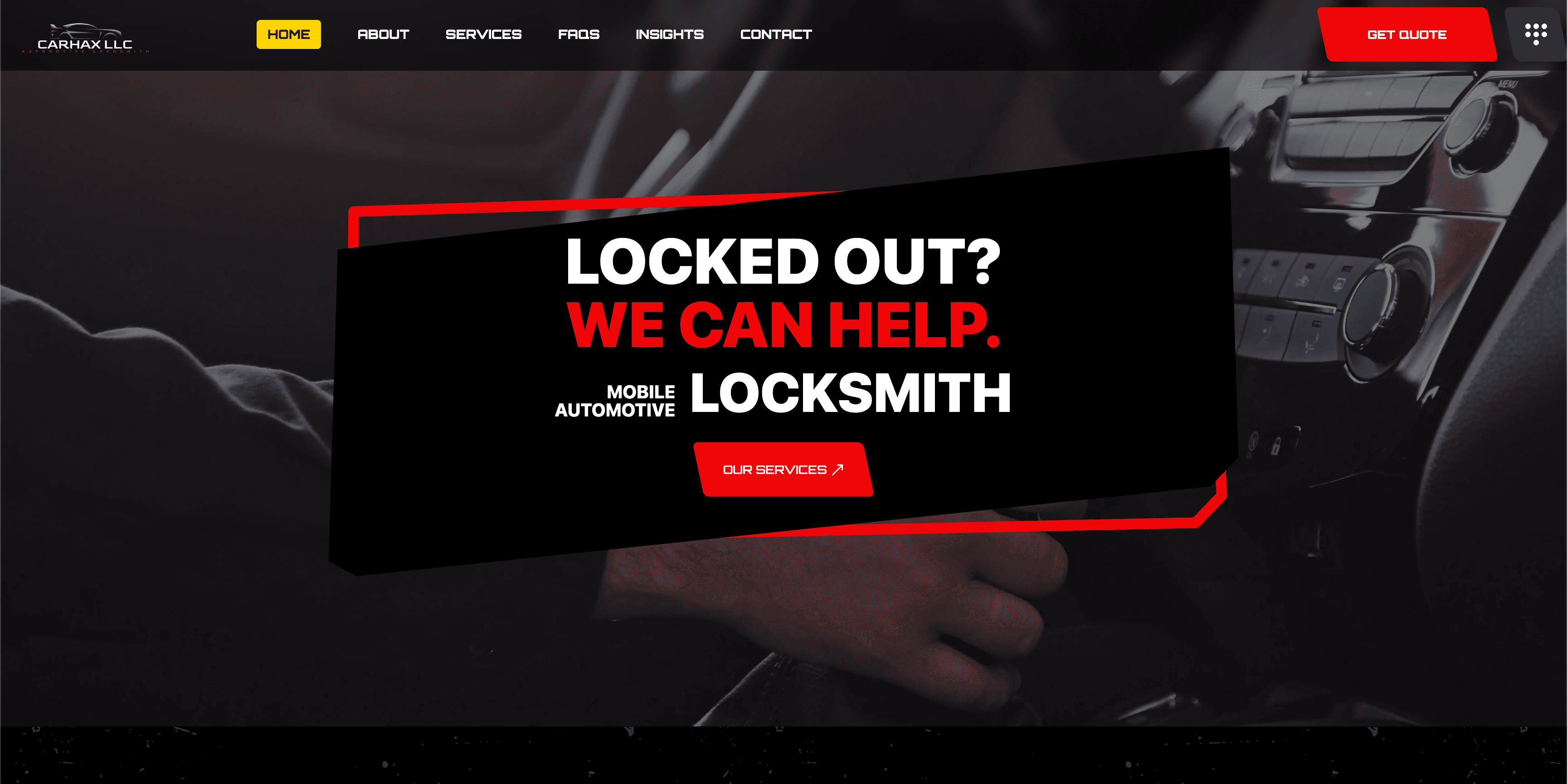
The visibility and marketing explainer puts those stages in context. For delivery evidence, the Carhax case describes a service-led path to contact, with an owner-reported call increase rather than an audited revenue result.
If you have relevant visits but no reliable inquiry path, talk to us about the website and follow-up workflow.
Visibility Becomes Valuable When the System Connects
The strongest acquisition systems connect search visibility, useful content, credible proof, conversion paths, tracking, and follow-up.
If one piece is missing, a business can appear more often without growing.
Nordax Digital builds visibility infrastructure and connected web systems around those relationships. You can also run a free AI Visibility Score for a technical snapshot of signals that can help search and AI systems understand your website. The score does not establish rankings or whether a particular AI system will mention your business.
If you want help locating the gap, start an assessment. We will review the path from discovery to inquiry and identify the highest-value fix.