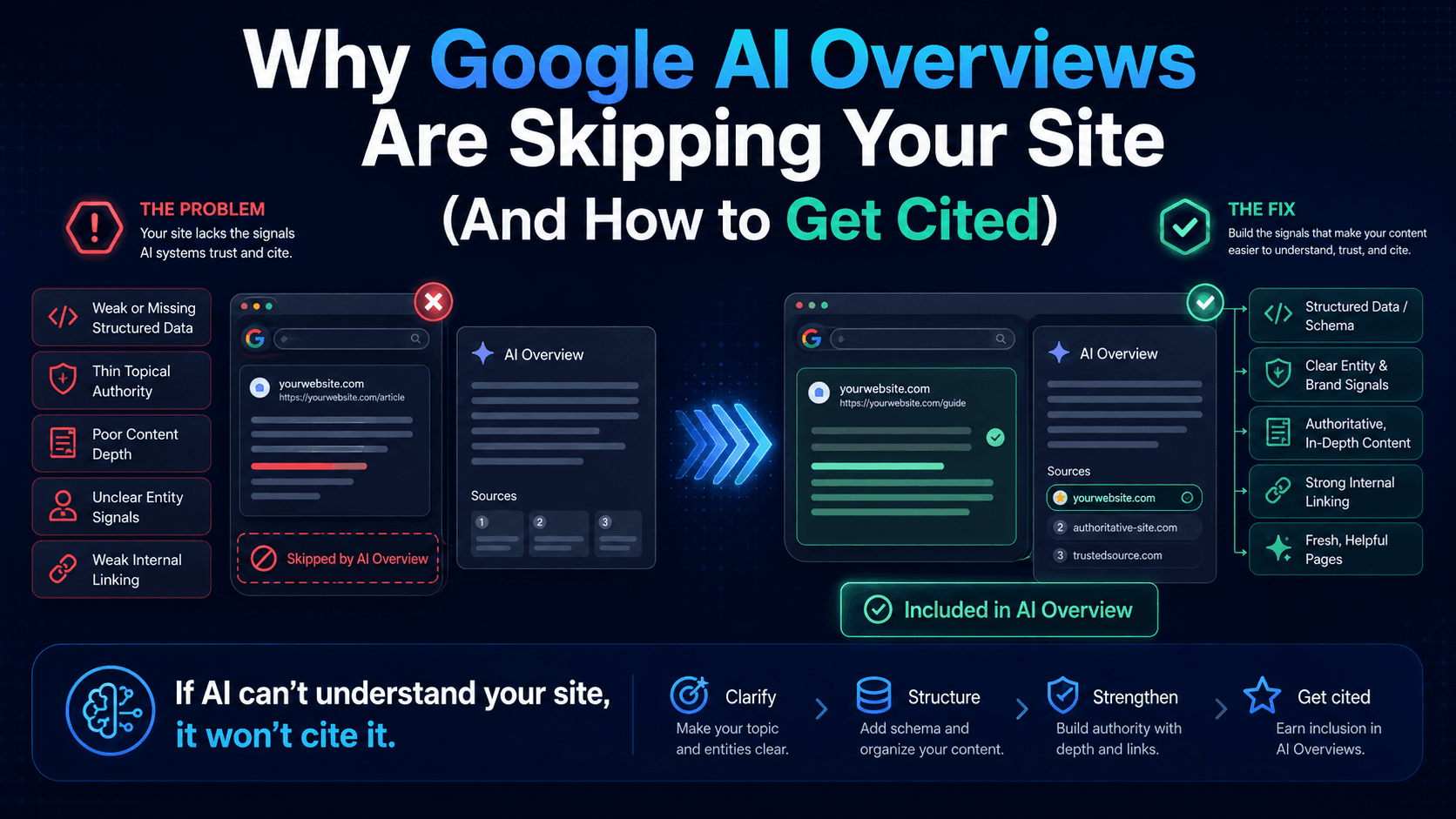


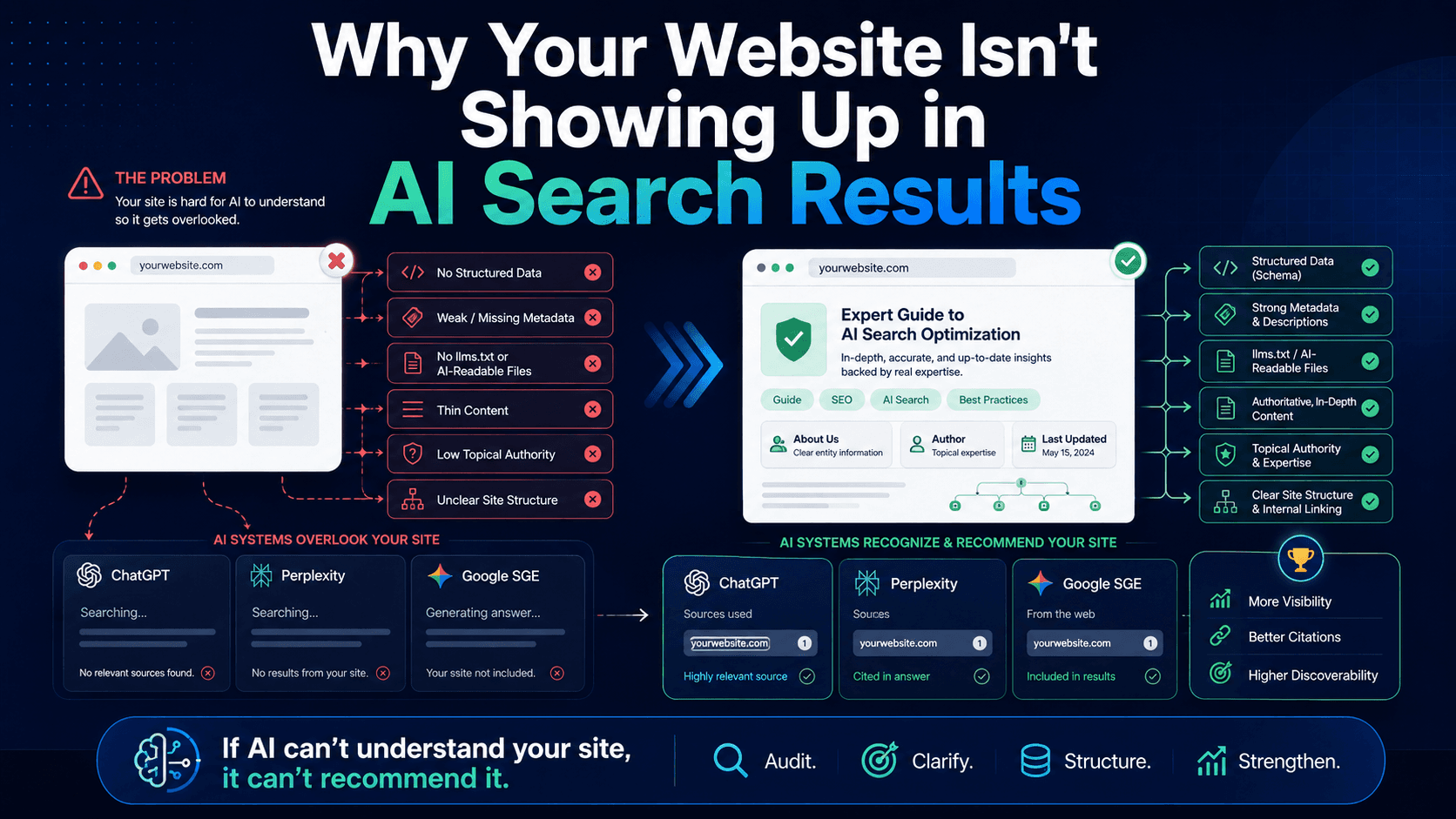
Terminology: This article uses the familiar term AI for artificial intelligence and AI search. At Nordax, we also discuss Super Intelligence (SI) as our terminology for increasingly capable systems. This does not mean every current AI tool is technically superintelligent. Official product names such as Google AI Overviews remain unchanged.
If an assistant does not mention your business in one answer, that does not prove your website is invisible. It tells you what happened for that prompt, in that context, at that moment.
A useful assessment separates eligibility, sampled mentions, citations, referral visits, and business outcomes.
Record a small, repeatable set of questions
Choose questions real customers ask about your services and area. Include both research questions and commercial questions.
For each test, record the prompt, platform, date, location where relevant, and whether browsing or search was enabled. Save the sources the answer actually provides and distinguish a brand mention from a clickable citation.
Repeat comparable checks over time. Several missing mentions establish absence in that sample, not zero citations across the entire platform.
Inspect access and indexing
For Google AI search, confirm that important pages are indexed and eligible for snippets. Use Search Console's URL Inspection and Page indexing reports to investigate problems.
A site-colon search can be a quick check, but its result count is not an accurate indexed-page total. Other assistants may use different indexes and crawling policies, so Google's status does not describe every platform.
Check whether important information is present in readable page content and whether you accidentally block the crawler you intend to allow.
Review the business information people need
Can a visitor understand your services, location, service area, process, and next step? Are contact details and policies accurate? Do important pages offer specific, useful explanations and credible evidence?
A generic statement may fail to help the reader. A clear service page, a detailed explanation, or a well-documented case study can each be useful. None guarantees a citation merely because it uses a preferred format.
Validate schema without overstating its role
Use structured data that accurately describes the visible content. Google's Rich Results Test checks eligibility for supported rich-result features, not every Schema.org type and not overall AI readiness.
Google does not require special AI schema for its generative search features. Missing schema alone does not establish that an assistant cannot understand or cite the page.
Check referral traffic and inquiries
Analytics can identify some visits from assistants when a referral is passed. It cannot count every answer view, brand mention, or citation that produces no visit.
Follow those visits to meaningful actions, such as confirmed form submissions, and then to qualified opportunities in your sales process. Do not assume an assistant referral converts better than another source without examining your own evidence.
Evaluate monitoring tools by their coverage
Before choosing a tool, check the platforms, locations, prompts, and refresh schedule it covers. Confirm what its score measures, whether results can be exported, and what it misses.
A vendor's sampled visibility score is not a complete census of every generated answer. Product availability and pricing also change, so verify current capabilities rather than relying on an old list of tool names.
Improve the business presence, then review the evidence
Prioritize access problems, inaccurate information, weak explanations, and broken contact paths. Keep useful original content current and connect related pages with descriptive links.
Nordax's assessment can help organize an initial review. It should be interpreted as a diagnostic, not proof of universal visibility or a guaranteed result. Contact us to discuss the gaps that matter to your customers.
Sources and scope
Google's guide to optimizing for generative AI features explains that SEO fundamentals still apply. Google's AI features guidance describes eligibility and controls. These statements concern Google Search; other assistants have their own retrieval systems and policies. This article was reviewed in October 2026. No ranking, citation, traffic, or revenue outcome is guaranteed.